
HotLoop for CODESYS
HotLoop for CODESYS is HotLoop running on the same node as a CODESYS runtime. It reads the PLC’s variables through the runtime’s own OPC UA server, puts them on screens that work on a panel PC, a phone, or a wall, raises alarms on them, and keeps the history. Nothing is installed in CODESYS and nothing writes to the PLC. It is the screen you would otherwise build in CODESYS WebVisu, drawn outside the runtime. What that buys you: the operators get a screen without a download to the PLC, and the PLC gets a second set of eyes that doesn’t depend on anything else on the node.
It is one of the eight HotLoop products, and its own release line. The newest chart is 0.3.5, published on 2026-11-05. Under it is HotLoop Edge, so everything on the Edge pages is true here too.
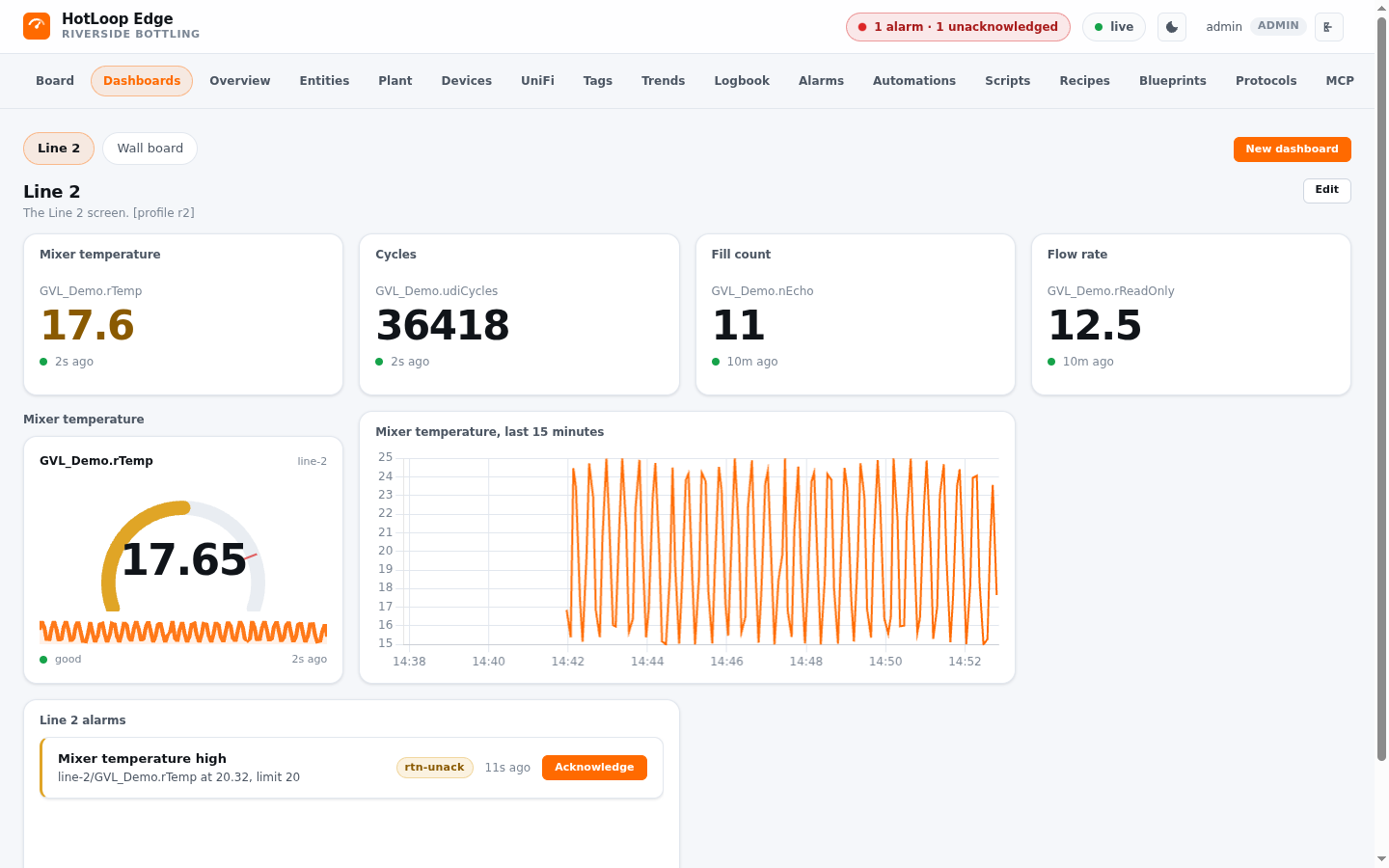
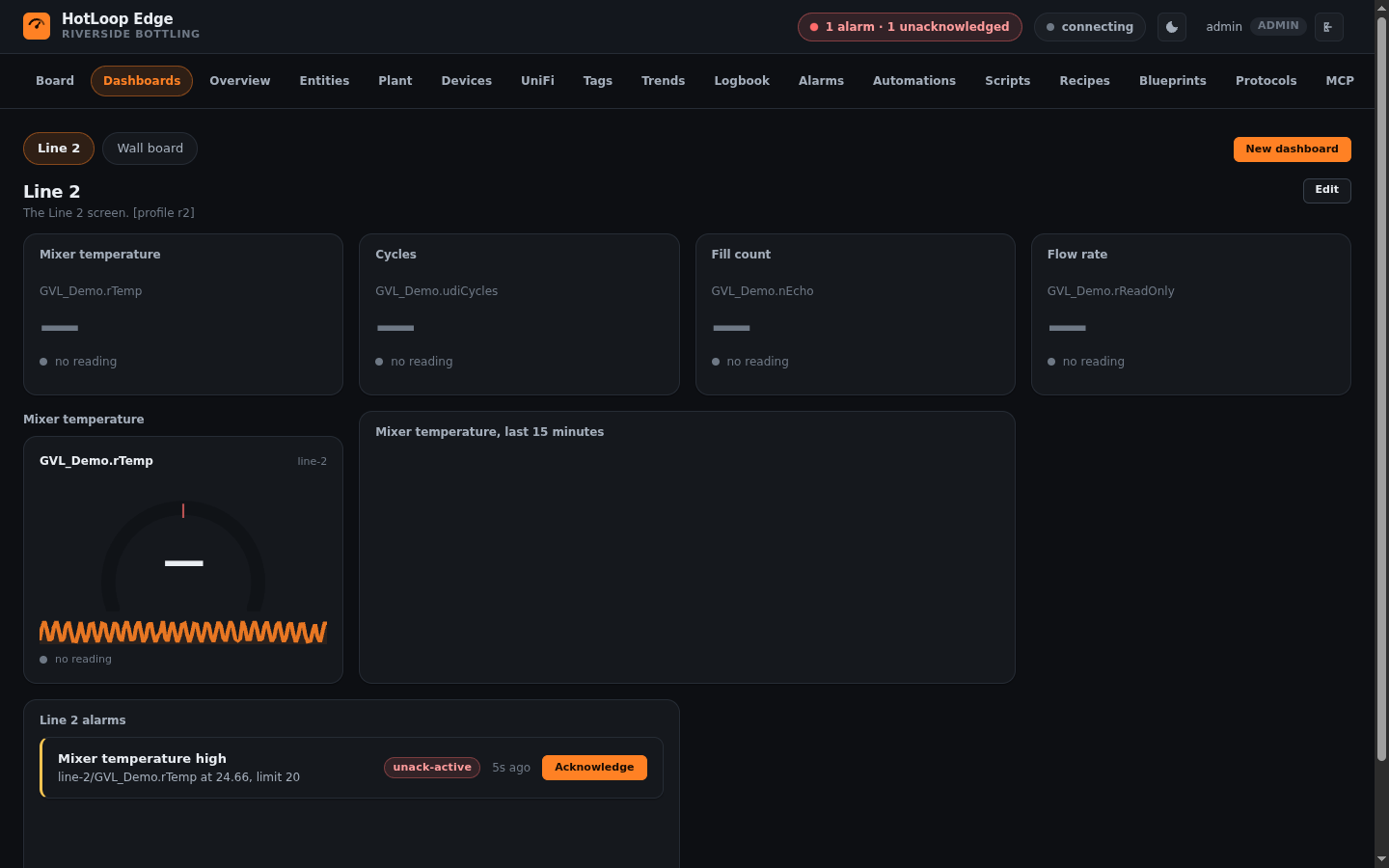
That is a real run: HotLoop’s default interface reading a CODESYS Control for Linux SL 4.22.0.0 runtime. The PLC program is HotLoop’s own demo program, so the numbers are the demo’s. The labels (Line 2, Mixer temperature, Riverside Bottling) are made up and put there by the profile.
The three parts
Section titled “The three parts”| Part | What it is | Where it lives |
|---|---|---|
The chart, hotloop-codesys |
A wrapper around hotloop-edge with defaults for a runtime on a node: SQLite, one replica, and the parts you don’t need beside a PLC switched off. Every HotLoop chart fix reaches it. |
https://hotloop.io/hotloop-codesys/ |
| The provisioner | One static Go binary that applies a profile to HotLoop and keeps it right. It holds no profile. | ghcr.io/hotloop-io/hotloop-provision |
| A profile | One JSON file: the device, the variables to keep, the alarms, and one screen. The one input you give. | A Secret in the install’s namespace, described here |
How it reads the PLC
Section titled “How it reads the PLC”CODESYS documents one way for a third party to read a controller’s variables, and it is the runtime’s own OPC UA server. The PLC publishes what you want seen with a Symbol Configuration in the IDE, and HotLoop reads those variables by the names the programmer gave them, like Application.GVL_Line.rTemp, not by a node id. The Symbol Configuration is the only change to the PLC project. The CODESYS Gateway’s channel protocol is not documented for third parties, and this does not speak it.
The reading is HotLoop core’s CODESYS connector, which is the OPC UA driver plus what a CODESYS PLC needs on top: discovery of what the application exports, the types it has, arrays and structures walked into one point per field, a reconnect with no hands after a restart or a download, and every request cut to the limits the runtime publishes. The protocols page carries the connector’s reference from HotLoop 4.19.0 on, and it says what it was verified against and what it was not.
What it does by itself
Section titled “What it does by itself”Once HotLoop and the node’s own runtime both answer, the provisioner sets up the profile’s device, its variables, its alarms, and its screen. Then it looks again every five minutes. A variable of the profile that the PLC has gained since is added. One the PLC no longer has reads bad with the server’s reason. The screen and the alarms are made when missing and replaced only when the profile’s revision is higher than the one that made them, so a change a person made survives until a newer profile is shipped on purpose.
What it won’t do
Section titled “What it won’t do”- It won’t write to your PLC. Every tag the provisioner sets up is read-only, and the profile marks none writable. A person can arm a tag later, and then the write gate and the PLC’s own symbol rights both get a say.
- It won’t put anything in the runtime. No library, no task, no agent.
- It won’t need a database pod. SQLite on the node’s own storage, one replica.
- It won’t lose its screens to a bad link, in theory. Both pods tolerate an unreachable or not-ready node with no time limit. The tolerations are in the chart, and the link was never cut on a real node, so the status page lists that as not shown.
Where to go next
Section titled “Where to go next”Install it, read what a profile holds, or see where it stands and the roadmap.